Understand your connection
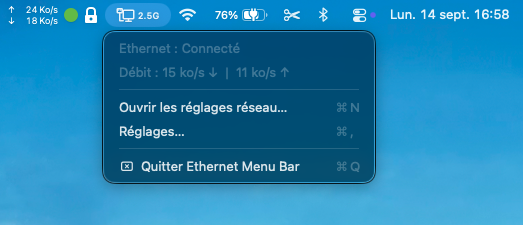
The indicator appears when Ethernet is connected. It shows the negotiated link speed, such as 1 Gbps or 2.5 Gbps. This describes the local network link, not your internet speed.
Click to view upload and download rates. A shortcut opens macOS network settings.
A quiet utility
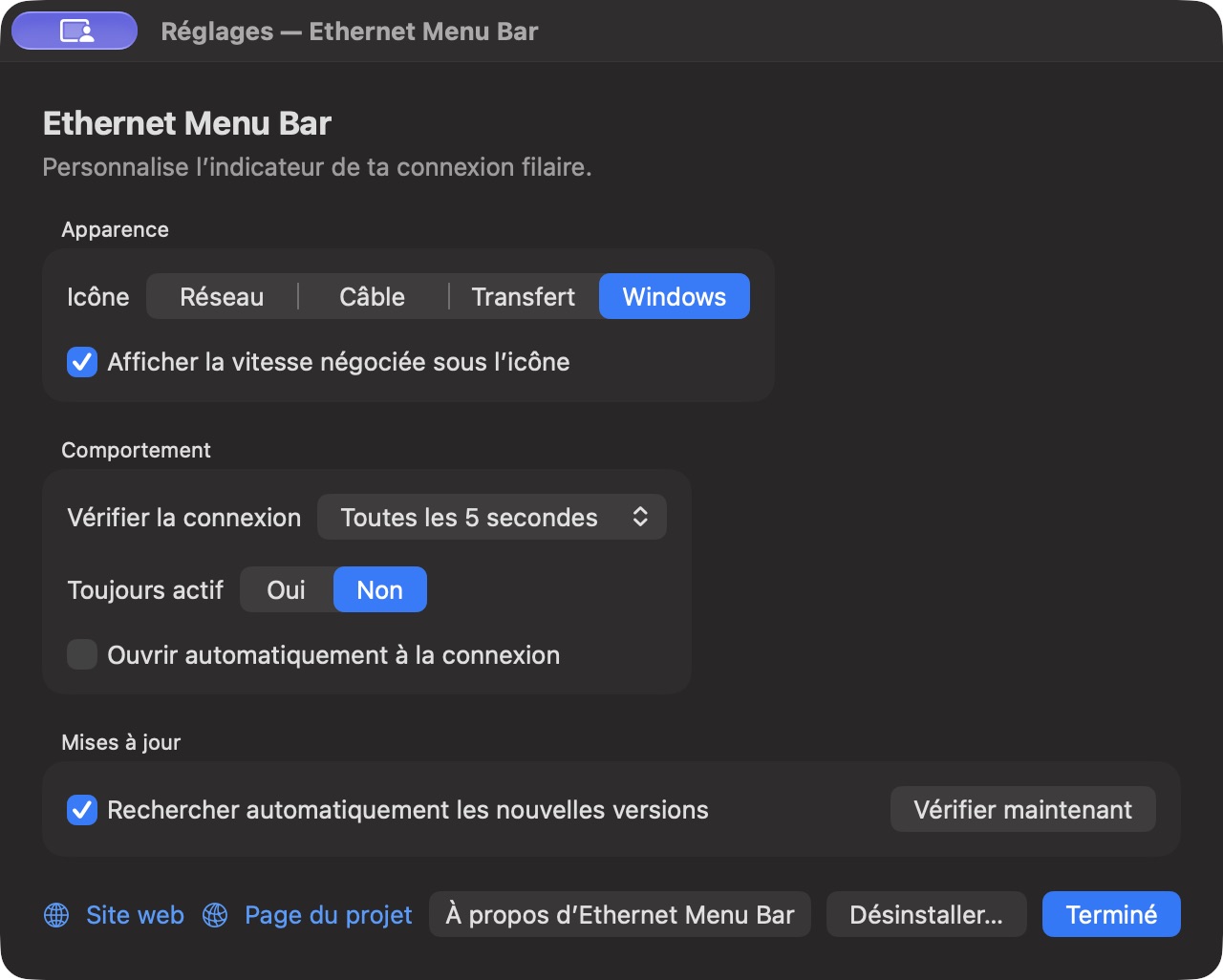
- Four icon styles and an optional speed display.
- Connection checks every 1, 2 or 5 seconds.
- Automatic launch on login, with no Dock icon.
- SwiftUI settings and AppKit menu bar integration.
Installation
Download the release from GitHub and move the app to Applications. It requires macOS 14 or later. Instructions and release notes are in the repository.